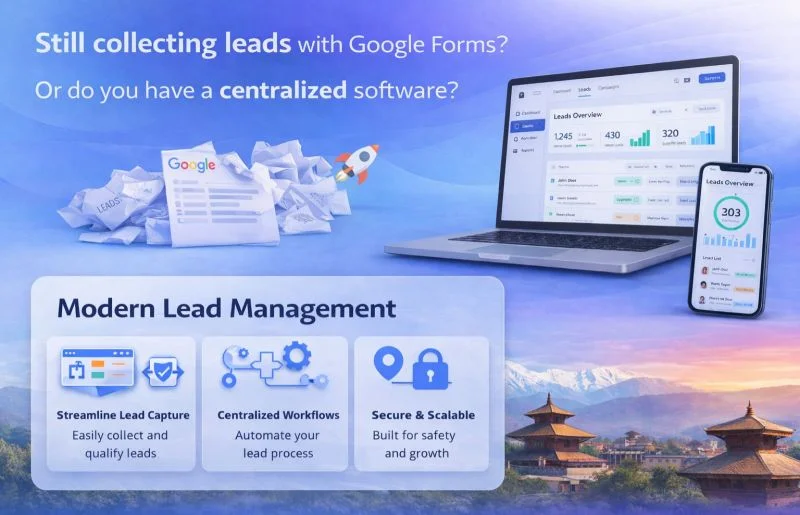
Most small businesses start managing leads the same way: a Google Form that feeds into a Sheet, a shared folder, maybe a color-coded tab system someone built over a weekend. It works. Then, at some point, it quietly stops working not with a system crash, but with a slow leak. A follow-up falls through. A lead goes cold. A deal nobody remembered to chase.
The question isn't whether spreadsheets are bad. They're not. The question is whether your lead management tool is built to help your business grow, or just to store what already happened.
What Is a Lead Management System?
A lead management system is software designed to capture, track, assign, nurture, and convert sales leads through a defined pipeline. Unlike a spreadsheet, it's built specifically for managing the full lifecycle of a lead from first contact to closed deal with automation, reminders, and reporting built in.
A spreadsheet, is a general-purpose data tool. It can hold lead information, but it doesn't act on it.
Spreadsheet Lead Tracking: Where It Works and Where It Breaks
Spreadsheets work well when:
- Your lead volume is low (under 50–100 active leads at a time)
- One person owns the entire sales process
- Leads don't require multi-step follow-up sequences
- You're in early validation mode and need flexibility
They break down when:
- Multiple people need to access and update the same records
- Follow-ups require timing and reminders
- You need to see conversion rates, source attribution, or pipeline value
- Leads go stale because nobody got a nudge to follow up
"The core problem with spreadsheets isn't the data — it's that the data just sits there. Someone has to remember to check it, sort it, and act on it."
What a Centralized Lead Management System Actually Does Differently
A purpose-built lead management system handles things a spreadsheet structurally cannot:
Automated follow-up triggers
When a lead is added, the system can automatically schedule a follow-up, send an email, or assign a task. No one has to remember.
Pipeline visibility
You see exactly where every lead sits — new inquiry, contacted, proposal sent, negotiating, closed. A spreadsheet shows you rows. A CRM shows you flow.
Lead assignment
In a team, leads can be automatically routed to the right salesperson based on territory, source, or availability. Sheets require manual coordination.
Activity tracking
Every call, email, and note is logged against the lead record. You can see the full history of any relationship without digging through inboxes.
Reporting
Conversion rates by source, average deal cycle, revenue forecast — none of this is practical to maintain in a spreadsheet at any meaningful scale.
The Real Cost of Delayed Follow-Up
Most spreadsheet-based systems don't have a mechanism to enforce or remind follow-up timing. That gap is where revenue quietly disappears. A centralized system removes the reliance on individual memory. The reminder fires whether or not the salesperson thought to check the Sheet that morning.
When to Stick With a Spreadsheet
Not every business needs a CRM. If you're a owner who is solo handling a handful of inbound leads a month, a well-structured Sheet with consistent discipline can work. The overhead of configuring and learning a new tool isn't always worth it at that stage.
The inflection point tends to come when:
- ⚠️ You miss a follow-up that cost you a deal
- ⚠️ A new team member needs to get up to speed on existing leads
- ⚠️ You can't answer basic questions like "how many leads came in this month" or "what's our close rate"
- ⚠️ Leads are coming from multiple sources and landing in different places
When any of these happen, the spreadsheet has stopped being a system and started being a risk.
Centralized Lead Management System vs. Spreadsheet: A Direct Comparison
| Feature | Spreadsheet | LMS |
|---|---|---|
| Setup time | Minutes | Hours to days |
| Cost | Free | $0–$50+/user/month |
| Follow-up automation | Manual | Automated |
| Team collaboration | Limited | Built-in |
| Pipeline view | Custom-built | Native |
| Reporting | Manual | Automated |
| Scalability | Low | High |
| Integration with email/calls | None | Standard |
Common Lead Management Systems Worth Knowing
For businesses moving off spreadsheets, the most commonly used tools are:
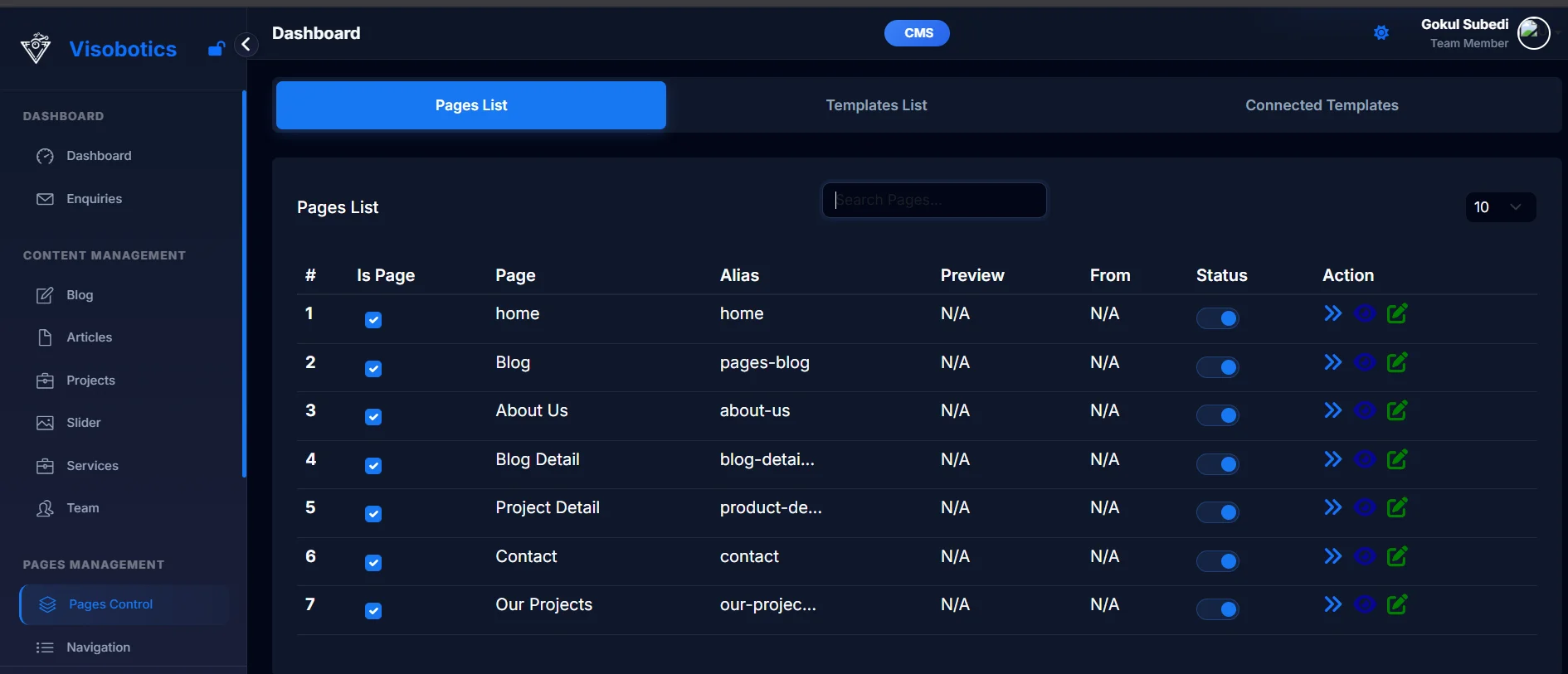
Visobotics
Free tier · Best for Every Business
Zoho CRM
Affordable · Feature-rich
Pipedrive
Pipeline-first · Visual
HubSpot CRM
Free tier · Best for SMBs
Freshsales
AI-powered · Growing teams
Each has different strengths depending on team size, budget, and sales complexity. HubSpot's free plan is often the first step for small teams making the transition.
The Actual Question to Ask
The debate between spreadsheets and lead management systems is really a question about what stage your business is at. Spreadsheets are storage. CRMs are systems.
Storing leads and managing leads are different things. Storing means you have the information somewhere. Managing means the information drives action reminders fire, pipelines move, nothing slips.
If your current setup is built around remembering to check a file, the system is dependent on individual discipline rather than structure. That works until it doesn't. The moment your business grows past what one person's memory can reliably track, a centralized system isn't a luxury it's what the operation actually needs to function.
Frequently Asked Questions
What is the difference between a spreadsheet and a lead management system?
A spreadsheet stores lead data passively. A lead management system actively tracks, automates, and moves leads through a sales pipeline with reminders, assignments, and reporting.
When should a business switch from spreadsheets to a CRM?
The clearest signals are missed follow-ups, team coordination problems, inability to report on conversion rates, or leads coming in faster than one person can manually track.
Is Google Sheets good enough for lead tracking?
For solo operators or very early-stage businesses with low lead volume, yes. For growing teams or businesses with complex follow-up needs, it introduces risk that a dedicated system eliminates.
What is the best lead management system for small businesses?
Visobotics, HubSpot CRM, Zoho CRM, and Pipedrive are the most commonly used options for small businesses. Visobotics is a practical starting point for teams transitioning from spreadsheets.