The CMS market in 2026 looks simple. A handful of names dominate every "best of" list. WordPress still powers 43% of the web. Webflow is the darling of designers. Squarespace runs the ads. Shopify owns e-commerce. So why do so many small business owners end up with a site they can't update, a bill they didn't expect, or a platform that outgrew them in the wrong direction?
Because most CMS advice is written for the wrong person. It's written for agencies, developers, or companies with a dedicated marketing team not for the three-person landscaping company that needs a clean site with a contact form, or the independent consultant who publishes one blog post a week and wants it to just work.
The biggest shift in 2026 isn't a new platform. It's AI-assisted content editing baked directly into CMS dashboards. Nearly every major platform now offers some version of it. The question is whether it's actually useful or just a checkbox on a pricing page. We'll get to that.
What Small Businesses Actually Need From a CMS
A small business website has exactly four jobs: tell people what you do, make it easy to contact you, show up in search results, and not break on mobile. Everything else is noise.
Before you look at a single platform, answer these questions honestly:
The Honest Breakdown: Which CMS for Which Business
No ranking, no affiliate angles. Just use cases matched to platforms, with the tradeoffs said plainly.
The AI Question: What's Actually Useful in 2026
Every CMS will tell you it has AI. Most of what they mean is a text generation button inside the editor. That's fine — it saves time on first drafts. But it's not a reason to pick one platform over another.
The AI features worth paying attention to are the ones that reduce the operational burden of running a site — not just writing content. Specifically:
Automatic alt text and image optimisation. Framer and Squarespace now handle this without plugins. On WordPress you still need a third-party tool.
SEO suggestions in the editor. Ghost and newer Webflow builds surface keyword and readability recommendations as you write, not as an afterthought before you publish.
Layout generation from a prompt. Framer's AI can build a full page layout from a text description. Useful for landing pages. Not a replacement for design thinking, but a genuine time saver for non-designers.
Content that writes your emails. Skip it. The quality is generic and it trains you to publish without thinking. Use it for outlines, not final copy.
The honest answer is that AI in CMS platforms is still mostly in the "nice to have" tier for small businesses. Pick your platform on fundamentals first.
Before You Commit: The Five-Minute Checklist
Whatever platform you're leaning toward, run through this before you start building.
Ownership & Portability
- ✓ Can you export all content in a standard format?
- ✓ Do you own your domain outright?
- ✓ What happens to your site if you stop paying?
True Cost
- ✓ Platform fee + hosting + plugins/apps combined?
- ✓ Any transaction or commerce fees?
- ✓ Developer cost to set up vs. DIY time cost?
Day-to-Day Usability
- ✓ Can a non-technical person publish a post in under 5 minutes?
- ✓ Mobile editing — does it actually work?
- ✓ How good is support when something breaks?
Growth & SEO
- ✓ Can you edit meta titles, descriptions, and schema?
- ✓ Core Web Vitals — does the platform pass by default?
- ✓ Room to add landing pages, forms, and integrations later?
The Bottom Line
There is no universally best CMS. There's the best one for your situation. A local service business and a content creator have almost nothing in common in their website needs, and they shouldn't be picking from the same shortlist.
What's changed in 2026 is that the gap between platforms has narrowed on features and widened on user experience. The better question is no longer "what can this platform do?" but "how much of my week will this platform consume?" For most small businesses, the answer should be close to zero.
Pick the tool that disappears into the background and lets you run your business. Then spend the time you saved on your actual customers.
The 2026 Choice for Tiny Teams
Ready to stop managing your CMS and start running your business?
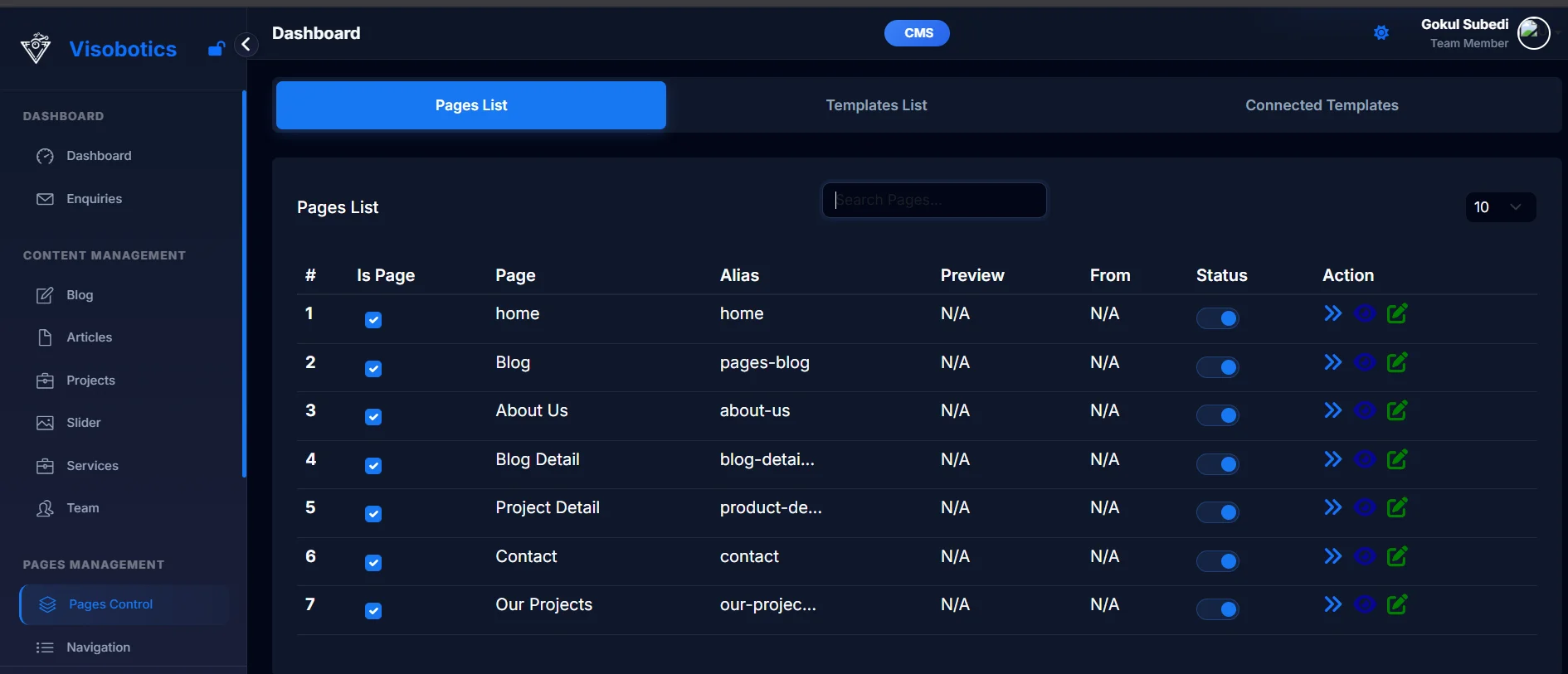
We built Visobotics CMS specifically to solve the "maintenance trap." No plugins to break, no developers to call, and a built-in AI agent that handles your SEO and image optimization while you sleep.
Migrate from WordPress or Squarespace in minutes · No Credit Card Required
Got a specific situation or want a head-to-head comparison for your use case? Drop it in the comments — we read everything.