Why do generic business tools fail to scale with growing teams?
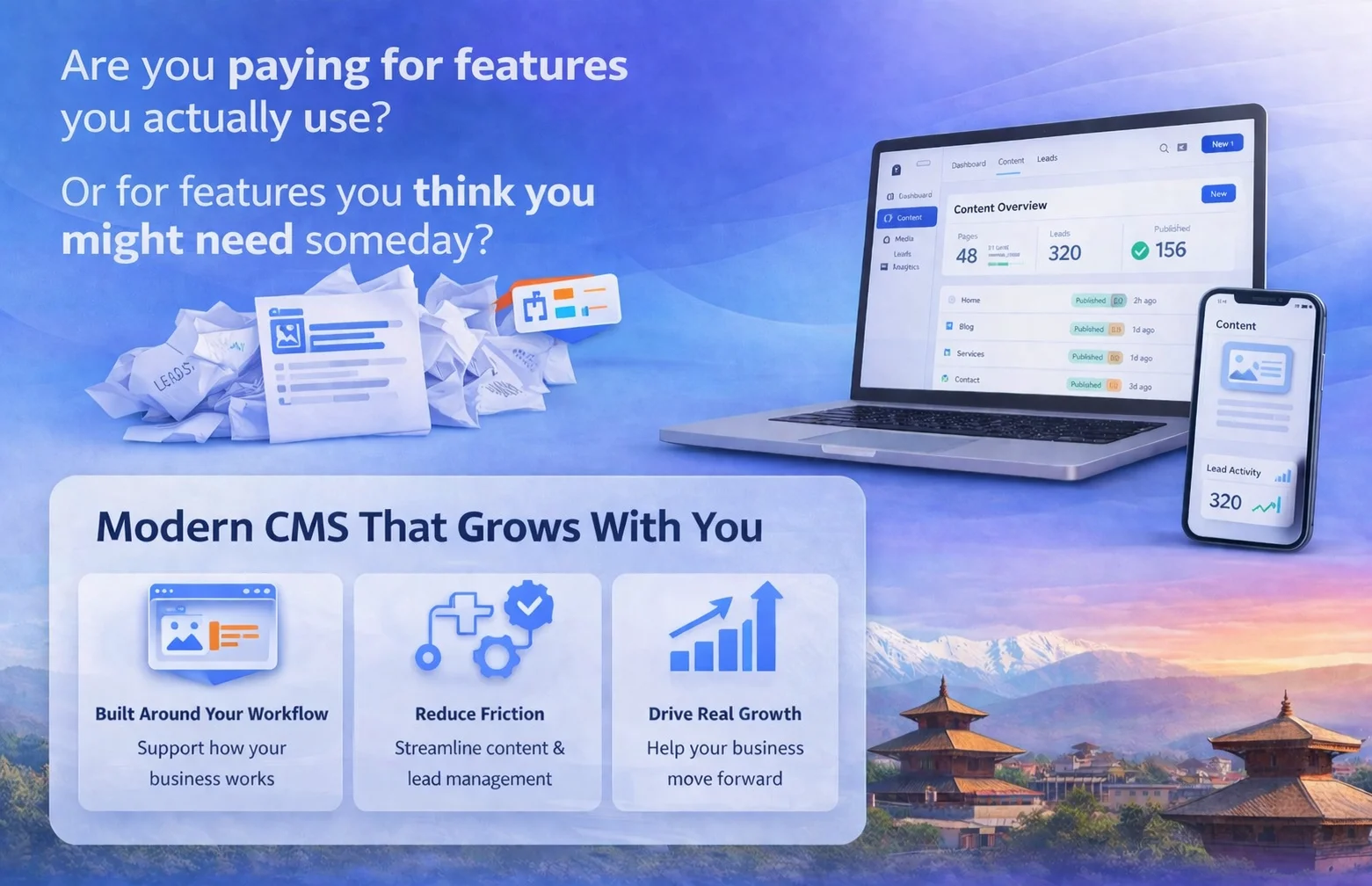
There's a widely repeated idea in the SaaS world: more features equals more value. It doesn't. It means more training, more support tickets, and more time managing the tool instead of the actual work.
The problem isn't that generic tools are bad. It's that they're built to serve everyone, which means they serve no one particularly well. A sales manager and a backend engineer logging into the same dashboard see the same interface, the same clutter, the same options that don't apply to them. One of them quietly stops using it.
Gartner's 2025 Digital Workplace survey found that 56% of employees regularly use fewer than half the features in their primary work tool. 31% describe their main business platform as "actively confusing." That's not a training problem. It's an architectural mismatch between what the tool offers and what the role actually needs.
When software doesn't fit the shape of someone's job, they route around it. Spreadsheets, Slack threads, sticky notes. The platform becomes expensive wallpaper. Chautari starts from the opposite assumption: different roles have fundamentally different operational realities, and the system should reflect that from login onward.
How does progressive feature expansion reduce operational risk for scaling companies?
"Perfect" launches fail at a predictable rate. The reason is almost always the same teams try to ship everything before validating anything.
Eric Ries documented this in The Lean Startup: the most dangerous assumption in product development is that users want what you think they want. The same logic applies to internal tooling. Deploying a fully loaded operations platform to a 40-person company doesn't give them a head start. It gives them 200 onboarding hours and half a year of support requests.
Progressive feature expansion means going live with the workflows that create immediate value core role interactions, primary permissions, baseline reporting — and unlocking additional modules as teams demonstrate need and capacity. Not a stripped-down version. A sequenced one.
A 2024 McKinsey report on enterprise software adoption found that phased deployments showed 38% higher active usage at the 90-day mark compared to full launches. People adopt what they understand, and understanding comes with time, not volume.
Each module ships into a team that already knows the layer underneath it. Instead of a big-bang release followed by months of firefighting, you get a feedback loop that actually improves the product.
What role does generative AI play in making static software obsolete?
Here's the uncomfortable reality: most business software built before 2023 wasn't designed to work alongside an AI layer. It assumed humans would query the system, interpret the output, and make decisions manually. That model is breaking down fast.
Generative UI & AI-Ready Architecture
Generative UI interfaces that reshape themselves based on context, user behavior, or AI inference is changing what "usable" actually means. Systems need to be AI-ready from the start, not retrofitted later when the cost is already baked in. Chautari's modular structure means AI-driven workflow layers can be added without rebuilding the base. The RBAC model handles output scoping. The pipeline strategy handles extension.
A static monolithic platform can't do that cleanly. The pipes simply don't fit.
What are the three essential pillars of a role-based modular system?
Role Based Access Control (RBAC)
Permissions architecture isn't a configuration step. It's the security spine of everything else. In most generic SaaS tools, access control is either too coarse admin versus user or so granular it requires a dedicated ops person to manage. Neither scales.
RBAC ties permissions to defined roles rather than individuals. When someone changes teams or leaves, their access profile updates with them. No manual cleanup, no orphaned permissions sitting open for months. Chautari builds RBAC into the foundation every module that comes later inherits the same permission structure automatically.
Value-First Interaction Design
The first screen a user sees determines whether they come back. Most enterprise platforms get this wrong because they're trying to justify the license cost by showing everything at once.
Chautari's value-first approach means role-specific workflows appear on day one, and nothing else. Core tasks go live first. Advanced modules surface only when the role requires them. Adoption rates follow almost automatically, because people aren't spending their first week figuring out what to ignore.
The Pipeline Strategy: Building What Doesn't Exist Yet
The hardest part of modular architecture isn't the first module. It's designing the system so that the fifth module which nobody has specced yet can be added without breaking what came before.
Chautari uses isolated module interfaces. New modules are built and tested independently, then connected to the live system through defined integration points. The existing architecture doesn't need to know what's coming. You're not building toward a fixed endpoint you're building a system that can absorb requirements you haven't had yet
How does Chautari's modular architecture compare to standard SaaS platforms?
According to 2026 DevOps benchmarks from the DORA research program, modular systems reduce technical debt accumulation by approximately 40% compared to monolithic SaaS suites. Teams using modular deployment also reported 27% faster incident resolution times.
FAQ: Questions Teams Ask Before Replacing Their Stack
Why does building AI-ready architecture now matter more than the AI use case itself?
Most companies find out their stack isn't AI-compatible when they're mid-implementation at which point retrofitting is already expensive and the timeline has slipped. An AI layer on top of a monolithic platform doesn't have clean access to role-scoped data. It can't scope outputs to relevant users. It creates security questions the original architecture was never designed to handle.
Building AI-readiness into the architecture before you have a specific AI use case means treating the AI integration layer as a first-class module. The same modular structure that makes Chautari adaptable for human workflows makes it adaptable for AI-driven ones. The access model handles scoping. The pipeline strategy handles extension. Nothing needs to be rebuilt when the requirement lands.
Conclusion
There's a version of this where you keep patching the current stack adding integrations, customizing permissions by hand, asking people to use dashboards they find confusing. A lot of teams are living that right now, and it's costing them more than just money.
The question isn't whether your tools will eventually be inadequate. It's whether you're building something that can change when your operations do, or something that requires another migration in two years.
Stop guessing. Start building.
If your operations have outgrown your tools, Chautari is your next step. Bring your current stack audit and we'll show you exactly where the gaps are.